
How to play PokéSurvivor: from the first tap to a ten-minute run
The game runs in your browser and your partner attacks on its own. Here is what the opening screens do, what every control does, and what a sensible first ten minutes looks like.
Pick an account or a guest session before anything else
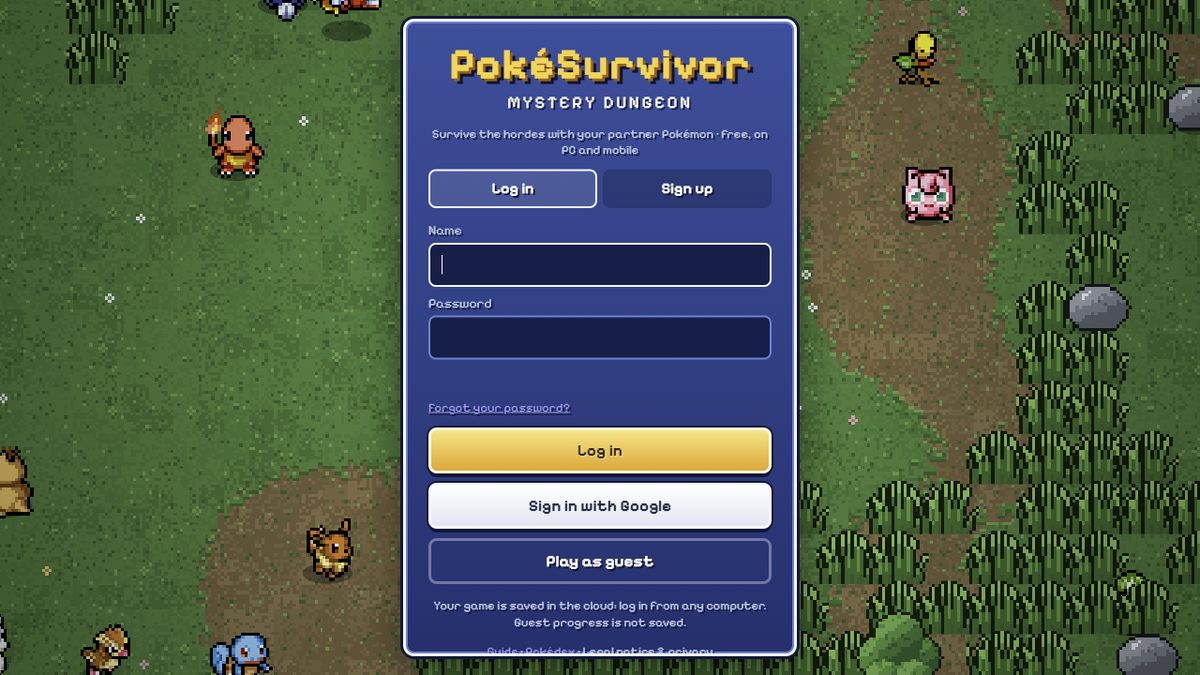
The game opens on a login screen with three ways in: a nickname and password, a Google sign-in, and Play as guest. All three lead to the same game. What differs is what happens to your progress afterwards.
- With an account, your game is saved in the cloud and you can continue on any device. This is the only option that keeps achievements, collection, coins and upgrades.
- As a guest, you can play right away and nothing is saved. Your runs are real, your achievements can unlock, and then the tab closes and all of it is gone.
This is the one decision that is hard to undo. Everything else in the game can be rebuilt by playing. An account that is not created on day one means the collection, the 130 achievements and the coin total all start again from zero.
The game is free, has no ads and no purchases, and it runs in a browser on PC, tablet or phone. It can also be installed as an app with Add to Home Screen, and it follows your browser language between English and Spanish, with a switch in Settings.
The opening quiz is four questions
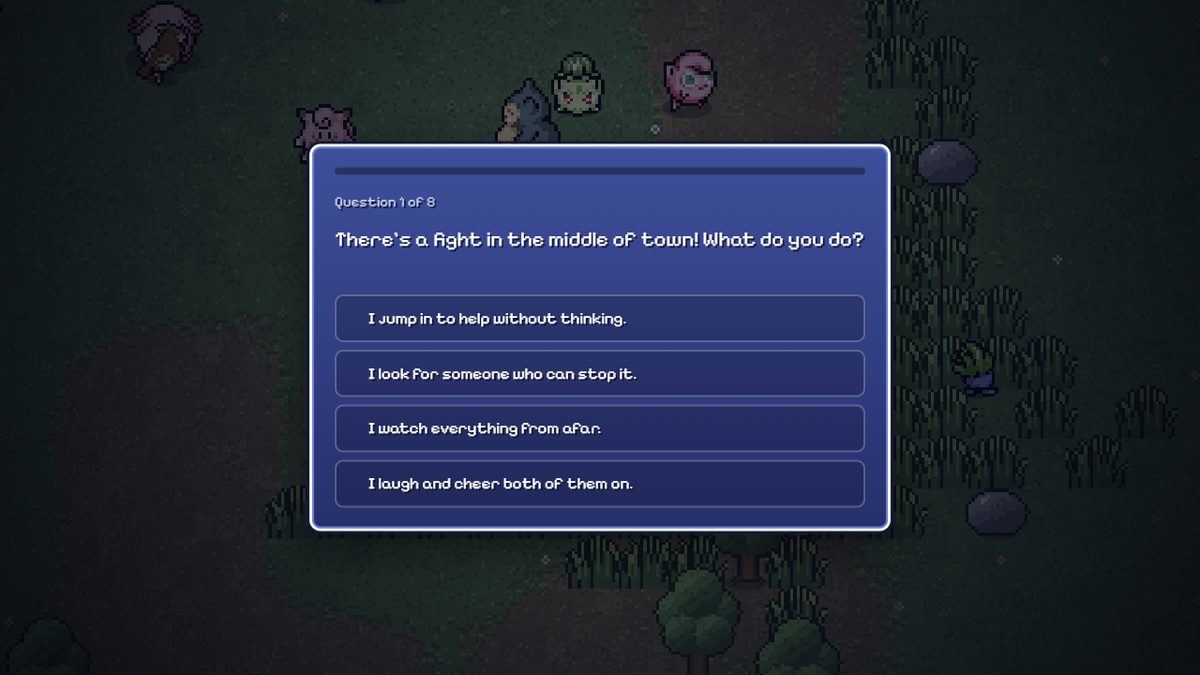
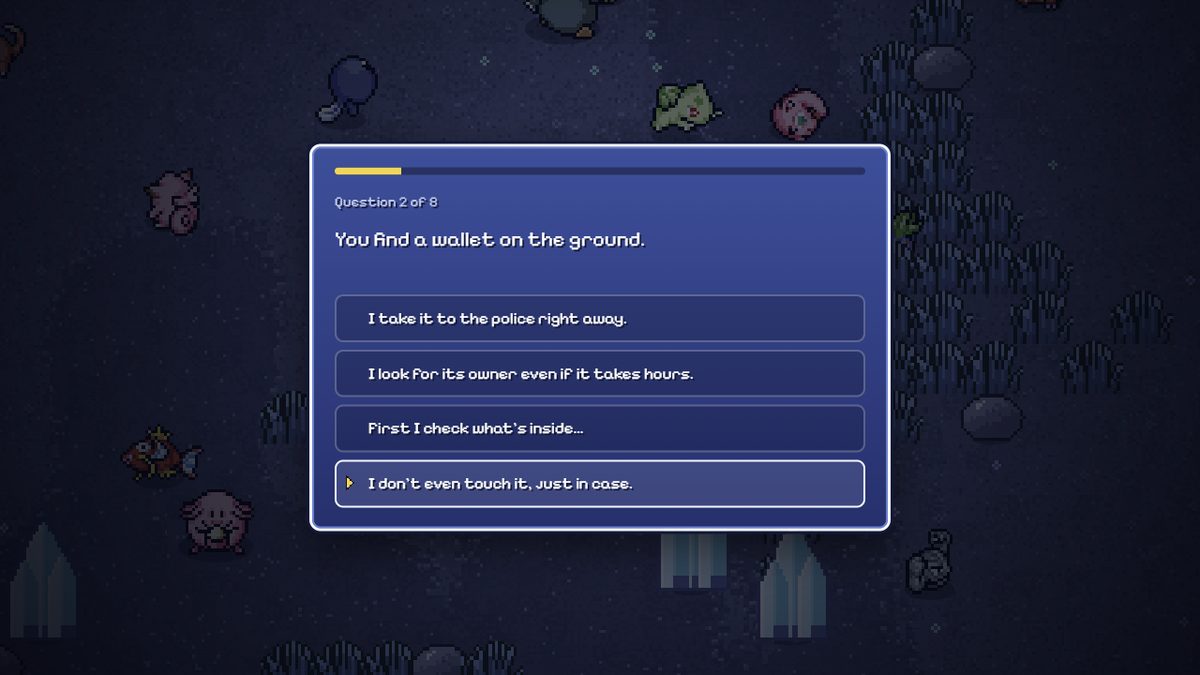
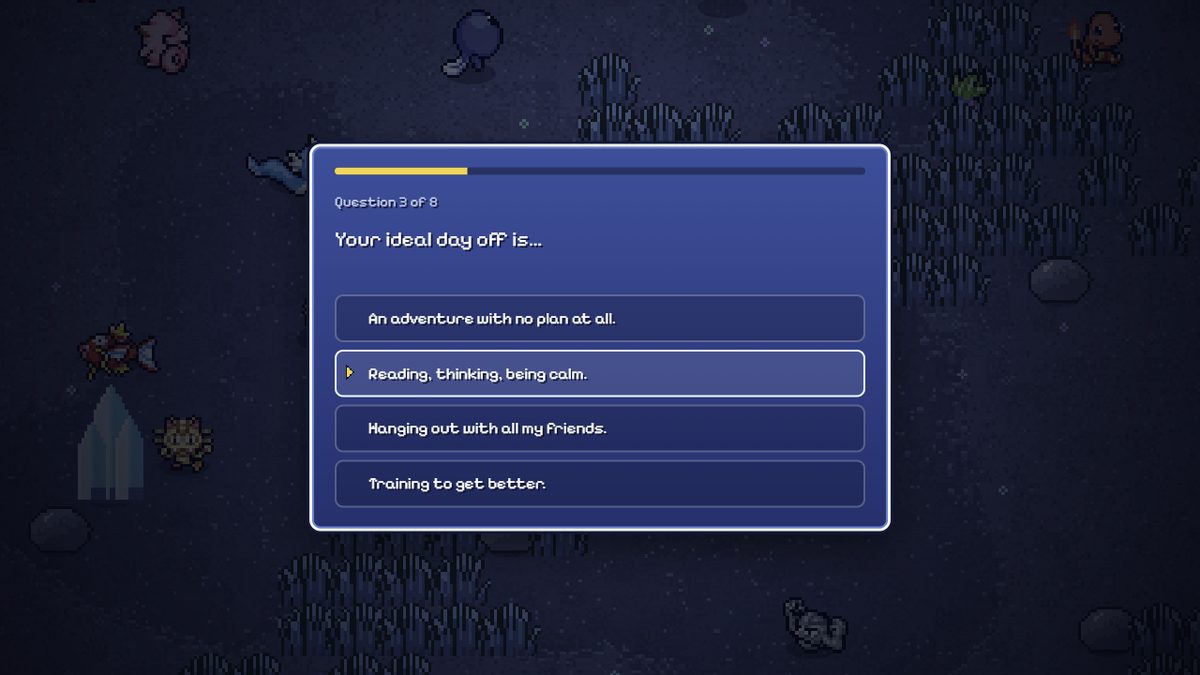
Before your first run the game asks four situational questions. Each one offers four answers, and each answer is a small statement about how you would behave: what you would do about a fight in the middle of town, what you would do if you found a wallet on the ground, what your ideal dog is, and what you would do about an important exam tomorrow.
After the fourth question the game reads your answers and assigns a personality. You land on a partner card that names it, with a line of flavour text about it, and two buttons: one to start playing with that partner and one to pick a different one and hear it.
There is no published mechanical effect for the personality. The game's own reference pages do not state that the personality changes a stat, so it is safer to treat it as the character of your profile than as a build option. Your real choices are the partner and the moves you take afterwards.
Your partner card is the first real screen
The partner card shows the Pokémon you will take into the run, its name, and your personality line. The two buttons are the two decisions that matter at this point: start with this partner, or go back and choose a different one and hear it.
The game contains 966 Pokémon from all nine regions, from Kanto to Paldea, and every one of them can be your partner, with their shiny form when one exists. The partner you start with is a partner like any other: it has its own moves, its own types and its own permanent upgrade panel, which is separate from the collection.
Pick a partner you can aim with. Your partner attacks on its own, so what matters is how its move reaches enemies. A projectile you can walk into position with is the easiest start; a melee move only hits what is already touching you.
What every control does
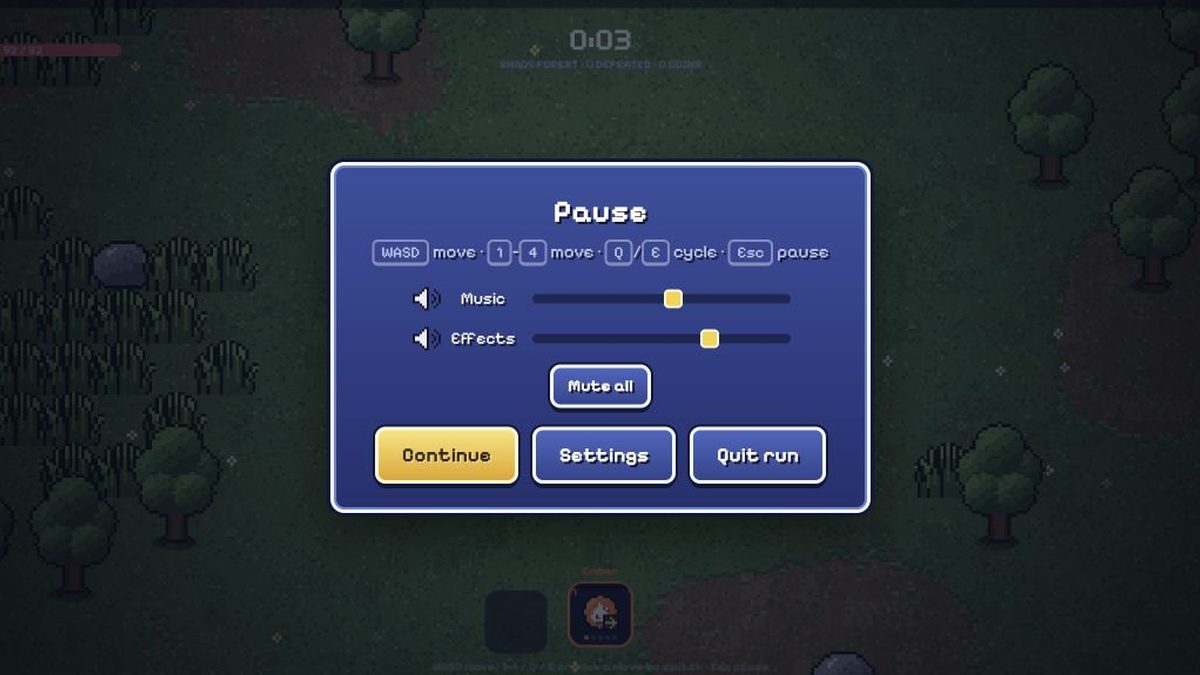
The control scheme is short enough to learn in one run.
| Action | On PC | On phone or tablet |
|---|---|---|
| Move | W A S D or the arrow keys | Drag anywhere — the joystick appears where you touch |
| Switch move | Keys 1 to 4, or Q and E, or click the move icon | Tap the move you want |
| Pause | Esc, or the pause button | The top-right button |
On a phone or tablet the game wants landscape orientation, and the touch control is a drag from anywhere on the screen rather than a fixed joystick. That is deliberate: you put your thumb where it is comfortable and the stick appears under it, which lets you play with two thumbs on a large screen.
Three move slots are visible in the panel. The pause screen shows three move icons plus a cycle button. Whichever way you switch, the rule is the same — you are choosing which of your moves is live, not aiming it.
How a run actually works
This is the part that catches new players out, so it is worth stating plainly: your Pokémon attacks on its own with the active move. You never press attack. Your job is to dodge and to position yourself well.
Everything else in a run follows from that. You move to collect experience, and every level gives you three cards to choose from. A card can give you a new move, an upgrade to a move you already have, or a boost for your partner. The run is a sequence of those choices, and your position on the map decides how good each choice turns out to be.
- Move in wide circles. The game's own tip is not to stand still, because the horde follows you. A wide circle turns a blob of enemies into a trailing line, and a line is something you can walk along.
- Take the card that extends the run. A move upgrade or a partner boost buys you more time, and time buys more level-ups.
- Read the ground markers. Circles and lines filling up on the floor are attacks that are about to land. Step out of them before they resolve.
- Kill the healers and the shield-casters first. The enemies are not a uniform mass, and the ones that restore or protect the rest are worth more than the rest combined.
- Use the type chart when you can. Switching to a move that is super effective against what is in front of you is free damage, but it is never worth losing a good move slot for.
A run ends when your partner dies. There is no second life in the middle of a fight, so the defensive half of the game is entirely about positioning: knowing which part of the screen you want to be in three seconds from now.
What the main menu holds
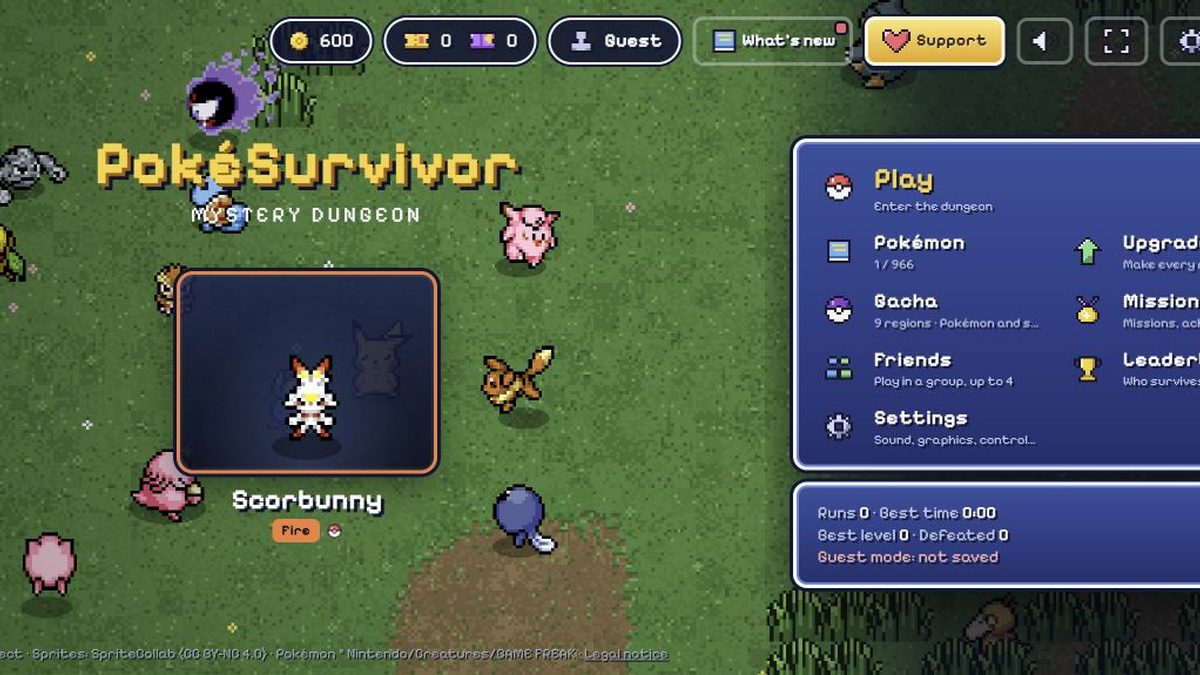
The side panel on the main screen is the map of the game. Play starts a run. Pokédex is your collection. Upgrades is the permanent partner upgrade panel where coins are spent. Missions is the daily and weekly task list. Friends is where you add people by nickname and invite them to a room. Leaderboard is where the ranking lives, and Settings holds the language switch and the sound options.
That list is also the fastest way to see what the game is actually about. It is a collection game with a survival game attached to it: the run produces coins, tickets and new partners, and the partners produce permanent upgrades that make the next run better.
A sensible first ten minutes
If you do nothing else, do this.
- Minute 0. Create an account if you have not already. It takes a minute and it is the only thing on this list you cannot undo later.
- Minutes 0 to 1. Take the quiz, pick a partner, and start a run. Do not try to be clever. Move in wide circles and collect experience.
- Minutes 1 to 3. Take the first cards that give you a move or upgrade a move you already have. Resist taking a third move early, because four slots is plenty and every card is a choice you do not get back.
- Minutes 3 to 5. When a rift portal opens, take it. You will probably lose, and that is the correct trade at this stage, because a win pays ten times the tickets and you are learning the arenas.
- Minutes 5 to 10. Stop avoiding the ground markers, and start hunting the healers when a wave gets thick. This is the point where the game starts asking you to make decisions instead of only move.
- After the run. Open the Upgrades panel and put coins into the partner you just played with. Nothing else you do will compound as fast.
The first run is not the run that matters. What matters is the first ten runs, because coins, tickets, achievements and upgrades all stack. The tenth run is better than the first because of what you bought, not because you learned to click faster.
Questions about this
Do I need to download the game?
No. It runs in your browser on PC, tablet or phone, and you can install it as an app with Add to Home Screen if you prefer. There is no download, no install and no purchase.
Is the game free?
Yes. It is a non-profit fan project with no ads and no purchases. There is a voluntary donation option that only pays for the servers and gives no advantages.
How do I attack?
You do not. Your Pokemon attacks on its own with the active move. You control where you stand, and that is what aims the shot.
What do the circles and lines on the ground mean?
They are attacks that are about to land. Step out of them before they resolve, because they are one of the few things in the game that you can avoid entirely.
Should I play as a guest?
Only to try it. A guest session saves nothing, so your collection, coins and achievements are lost when the tab closes. With an account, the game saves to the cloud and continues on any device.
Can I play with friends?
Yes, up to four players per room. Add friends by nickname, invite them to your room, and experience is shared. A fallen teammate can be revived by standing next to them.
Written for PokéSurvivor.online, an independent guide. Not affiliated with Nintendo, Creatures, GAME FREAK or The Pokémon Company. If a number here ever disagrees with the game you are playing, the game wins — tell us and we will fix the page.