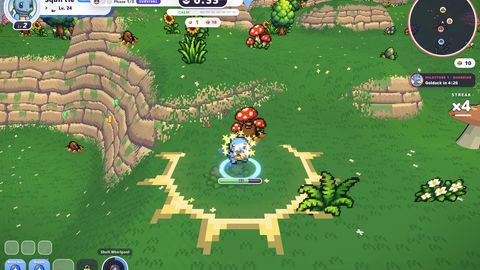
PokéBonk (k.pokebonk.lol)
The same PokéBonk build on its alternate domain — handy if the main domain is slow on your connection.
PokéBonk (k.pokebonk.lol)
First load pulls the game build — a few seconds on fast connections.
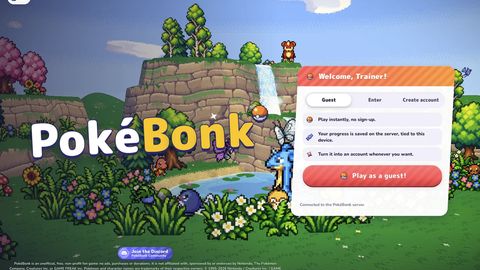
The frame above is the real game, loaded from https://k.pokebonk.lol/index.html. On a phone it plays right here too — rotate the device to landscape for the full map.
Game introduction
What PokéBonk (k.pokebonk.lol) is, what it does, and what is actually going on while you play.
k.pokebonk.lol serves the same PokéBonk build as the main domain: the same 3D world, the same 151 Kanto Pokémon, the same evolution, the same Ultimate and the same League. The only difference is the address — the game is loaded from this domain here, which is useful when the other one is slow or blocked on your connection.
Everything else works exactly as described on the main PokéBonk page: you can play as a guest without an account (progress is tied to the device), or sign in to keep your collection in the cloud. It is an unofficial, non-profit fan project with no ads, no purchases and no donations.
Free to play, no account needed. Every game on this page loads inside the frame above. Press play, wait for the build to load, and the game runs on this page — on a desktop, a tablet or a phone. Nothing is installed and nothing is downloaded to your device.
Still on your phone? The game keeps playing in the frame in portrait too — the games show their own rotate prompt when they need more width. Turn the device sideways, or tap the fullscreen button in the toolbar, for the full map.
More games, same frame. The row below links to the other survivor games this site carries. Each one has its own page with the introduction, the controls and the original screenshots.
How to play PokéBonk (k.pokebonk.lol)
Six steps that cover a first run — and the controls, so nothing in the game is a mystery.
Load the game from this domain
The frame above loads k.pokebonk.lol directly, so the build and its assets come from this address instead of the main one.
Pick guest or sign in
“Play as a guest” needs no sign-up and keeps your progress on the server against this device; an account keeps everything in the cloud.
Move with WASD and swing the camera with the mouse
Your Pokémon walks where the camera looks — the keys and the mouse are one control scheme, not two.
Level up, evolve, and spend the Ultimate
Moves fire on their own; levels add damage, area and projectiles; R fires the Ultimate once it is charged.
Controls
| Input | What it does |
|---|---|
| WASD | Move — your Pokémon walks where the camera looks |
| Mouse | Camera, right click to lock a target |
| Space / Shift | Jump / slide |
| R | Ultimate |
| Mobile | Joystick left, drag for the camera, pinch to zoom |
Original PokéBonk (k.pokebonk.lol) screenshots
Four screens straight from the game — no mock-ups, no renders.

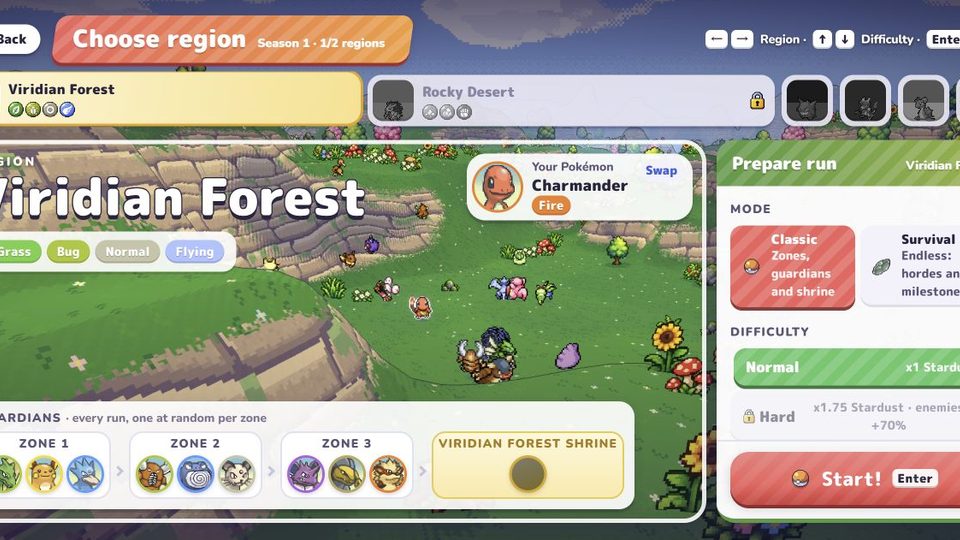
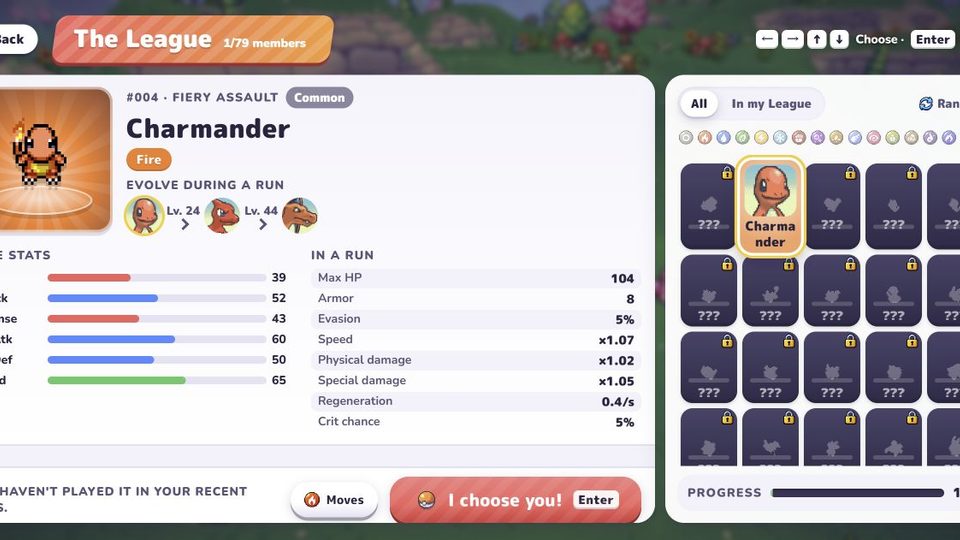
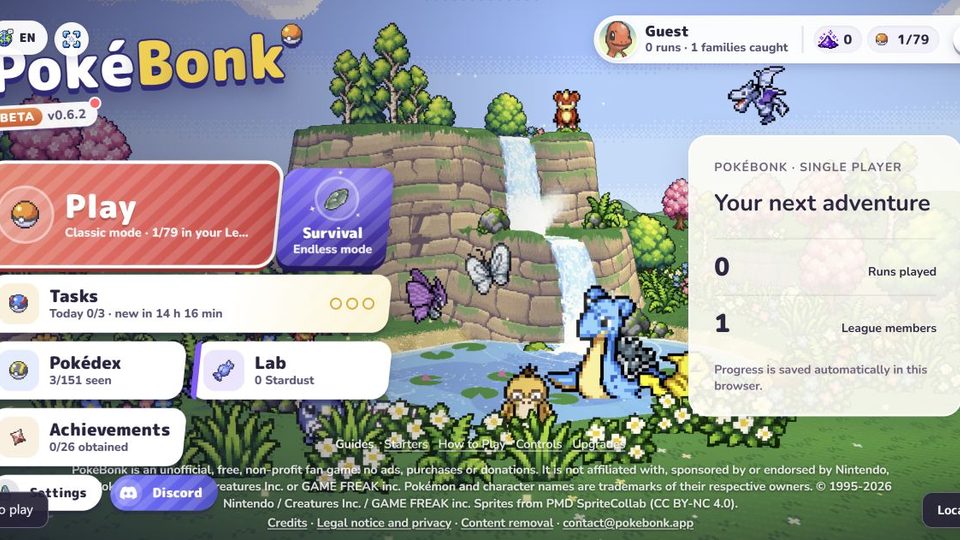
Screenshots and card art captured from the PokéBonk build. Sprites: PMD SpriteCollab (CC BY-NC 4.0).
More games to play
Four browser survivor games — every one of them playable inside the frame, on this page.