PokéBonk
The same survival loop as PokéSurvivor, but in 3D — with 151 Kanto Pokémon, an Ultimate charged by surviving, and a League to fill.
PokéBonk
First load pulls the game build — a few seconds on fast connections.
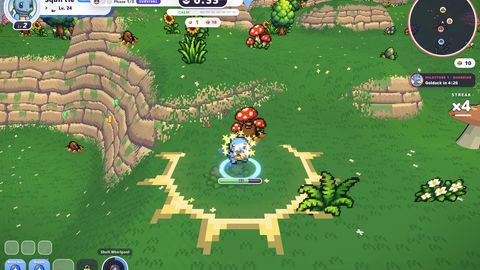
The frame above is the real game, loaded from https://s.pokebonk.lol/?lang=en. On a phone it plays right here too — rotate the device to landscape for the full map.
Game introduction
What PokéBonk is, what it does, and what is actually going on while you play.
PokéBonk is a free 3D survivor game that runs straight in the browser. All 151 Kanto Pokémon are playable, wild hordes spawn around you in a full 3D world, and your attacks fire on their own — you move, you decide where to stand, and the rest is a build you assemble one level-up at a time.
Each Pokémon has its own move list, its own stat track and its own evolution. When your partner is ready to evolve you choose what it becomes — and that choice changes its type and its power. Your Ultimate charges while you survive and is fired with a single key when it is ready. The League is the long-term goal: a Pokémon that joins it changes its look, and its shiny look is unlocked separately.
It is an unofficial, non-profit fan project: no ads, no in-app purchases, no donations, and a content-removal policy. Sprites come from PMD SpriteCollab (CC BY-NC 4.0). You can play as a guest without signing up — guest progress is tied to the device — or make an account to keep your collection and your stats in the cloud.
Free to play, no account needed. Every game on this page loads inside the frame above. Press play, wait for the build to load, and the game runs on this page — on a desktop, a tablet or a phone. Nothing is installed and nothing is downloaded to your device.
Still on your phone? The game keeps playing in the frame in portrait too — the games show their own rotate prompt when they need more width. Turn the device sideways, or tap the fullscreen button in the toolbar, for the full map.
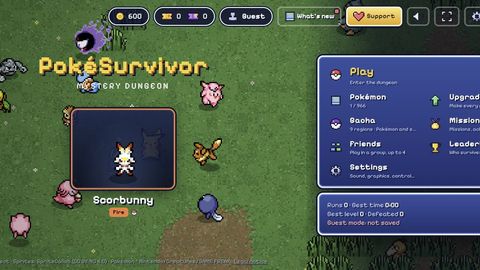
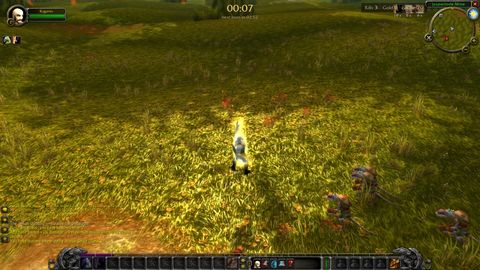
More games, same frame. The row below links to the other survivor games this site carries. Each one has its own page with the introduction, the controls and the original screenshots.
How to play PokéBonk
Six steps that cover a first run — and the controls, so nothing in the game is a mystery.
Pick guest or sign in
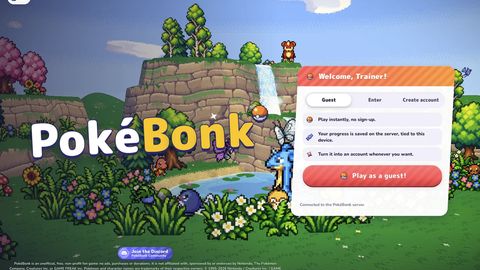
The welcome panel offers “Play as a guest” — no sign-up, progress saved on the server against this device — or an account you can turn it into later.
Move with WASD, aim with the camera
Your Pokémon walks on its own toward the direction the camera looks, so the mouse and the keys work together: WASD to move, mouse to swing the camera, right click to lock a target, Q to aim.
Let the attacks fire themselves
Moves cast on their own. Levels add damage, area, projectiles, speed and armour — the upgrades you see in the card list are the build.
Spend the Ultimate at the right moment
Your Ultimate charges while you survive. When it is ready the game tells you the key (R on desktop, its own button on touch) and casting it is often the difference between a clean run and a messy one.
Evolve on your own terms
When the evolution prompt appears you choose the form — and the choice changes the Pokémon's type and power, so it is a build decision, not a reward.
Fill the League
The League is the collection layer: every Pokémon that joins changes its look, and shinies have their own unlocked look.
Controls
| Input | What it does |
|---|---|
| WASD | Move — your Pokémon walks where the camera looks |
| Mouse | Camera |
| Space | Jump (hold to glide if you are flying) |
| Shift | Slide |
| R | Ultimate, when it is charged |
| E | Interact |
| Right click / Q | Lock target / aim |
| Mouse wheel | Zoom |
| Mobile | Joystick left, drag to rotate the camera, pinch to zoom, buttons on the right for jump, slide, Ultimate and interact |
Original PokéBonk screenshots
Four screens straight from the game — no mock-ups, no renders.
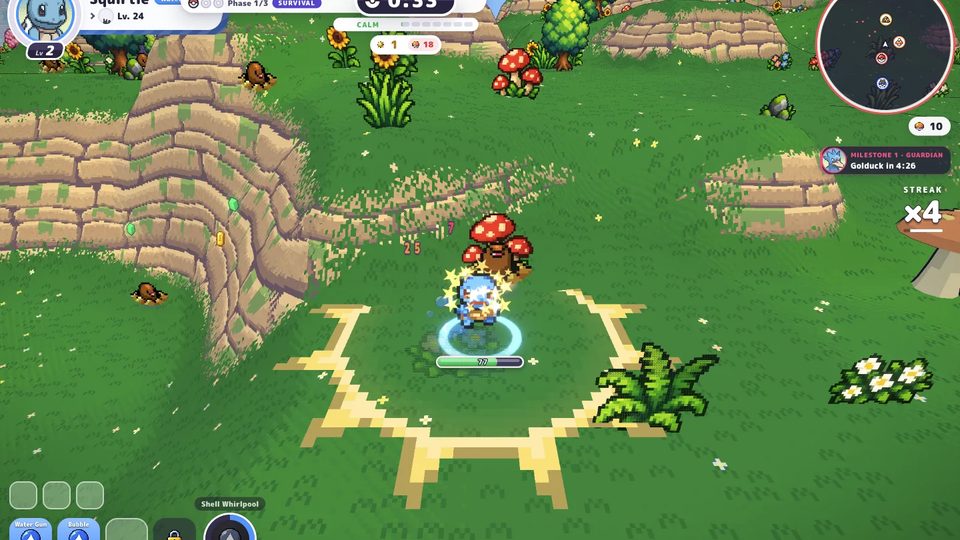
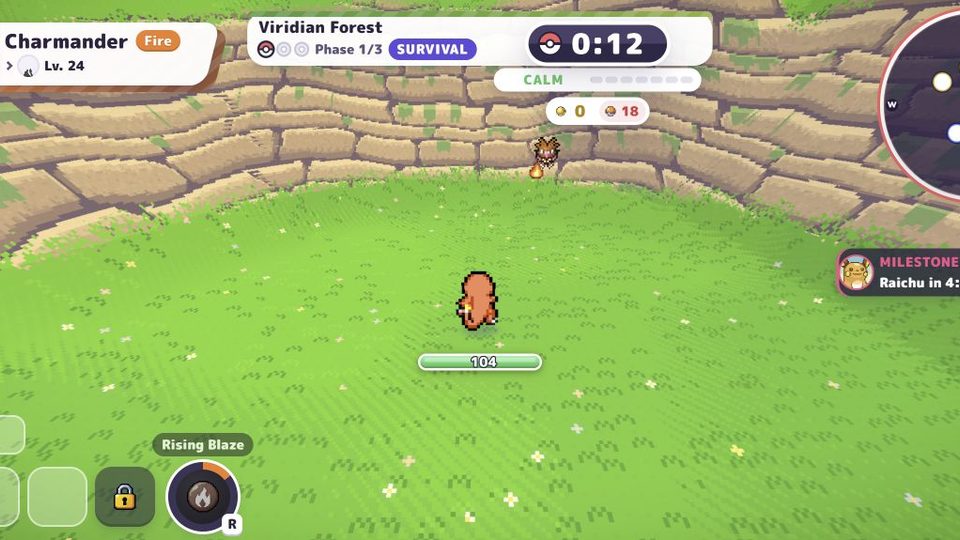
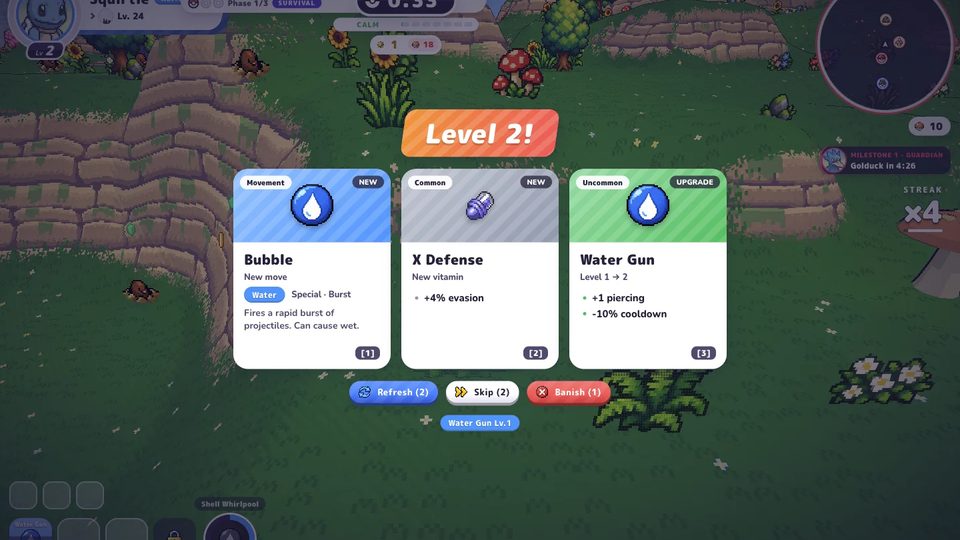
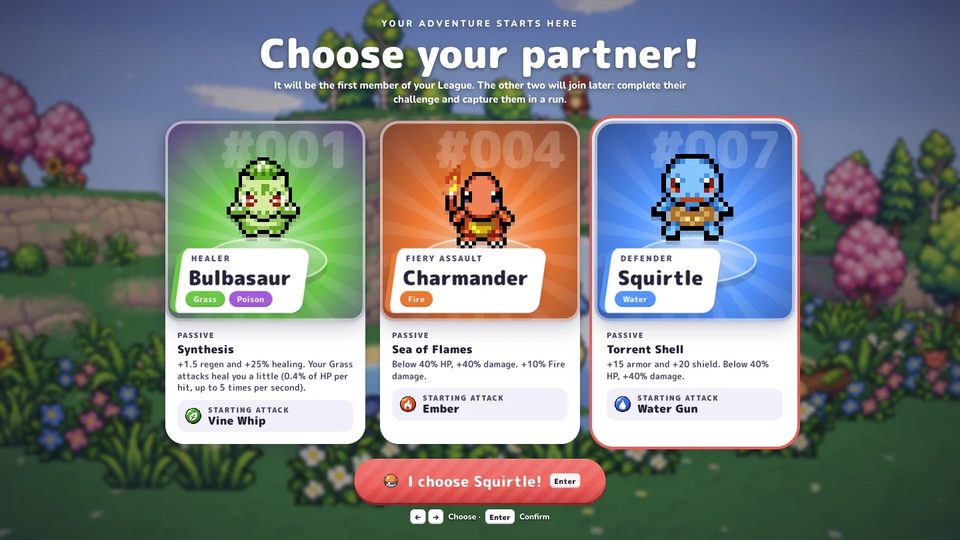
Screenshots and card art captured from the live PokéBonk build. Sprites: PMD SpriteCollab (CC BY-NC 4.0).
More games to play
Four browser survivor games — every one of them playable inside the frame, on this page.